Art direction belongs in the system.
Templates and prompt expansion reduce repeated setup. They give exploration a consistent starting point without taking away the artist’s ability to change course.
Case study / ArtGen
ArtGen connects art direction, AI generation, iteration, and review in one working environment. I built it from the artist’s side of the desk.
01 / The problem
Creative work was scattered across prompt-writing windows, model interfaces, reference folders, and review conversations. Artists were repeatedly translating the same intent: the style, the character, the composition, the dimensions, the delivery requirements.
More generation tools did not solve that handoff problem. I wanted the brief to survive the trip from an idea to an image worth reviewing.
After sixteen years in game art, I knew the useful question wasn’t simply “Can this model make a good image?” It was “Can an artist use this in the middle of a real assignment?”
02 / The workflow
Start with a production brief, references, and output requirements. Reusable templates carry the specifications so artists don’t have to reconstruct them for every image.
Expand a short idea into an art-directed prompt, choose a model, and queue variations. Keep working while generations run instead of treating every image as a separate session.
Compare results, select the useful directions, and refine them. Reference-driven edits, style exploration, and likeness work keep iteration connected to the original intent.
Organize the work in projects and assignments, review versions, and move selected assets toward production. The result has a place to go beyond the generation feed.
The artist chooses, evaluates, and revises throughout.
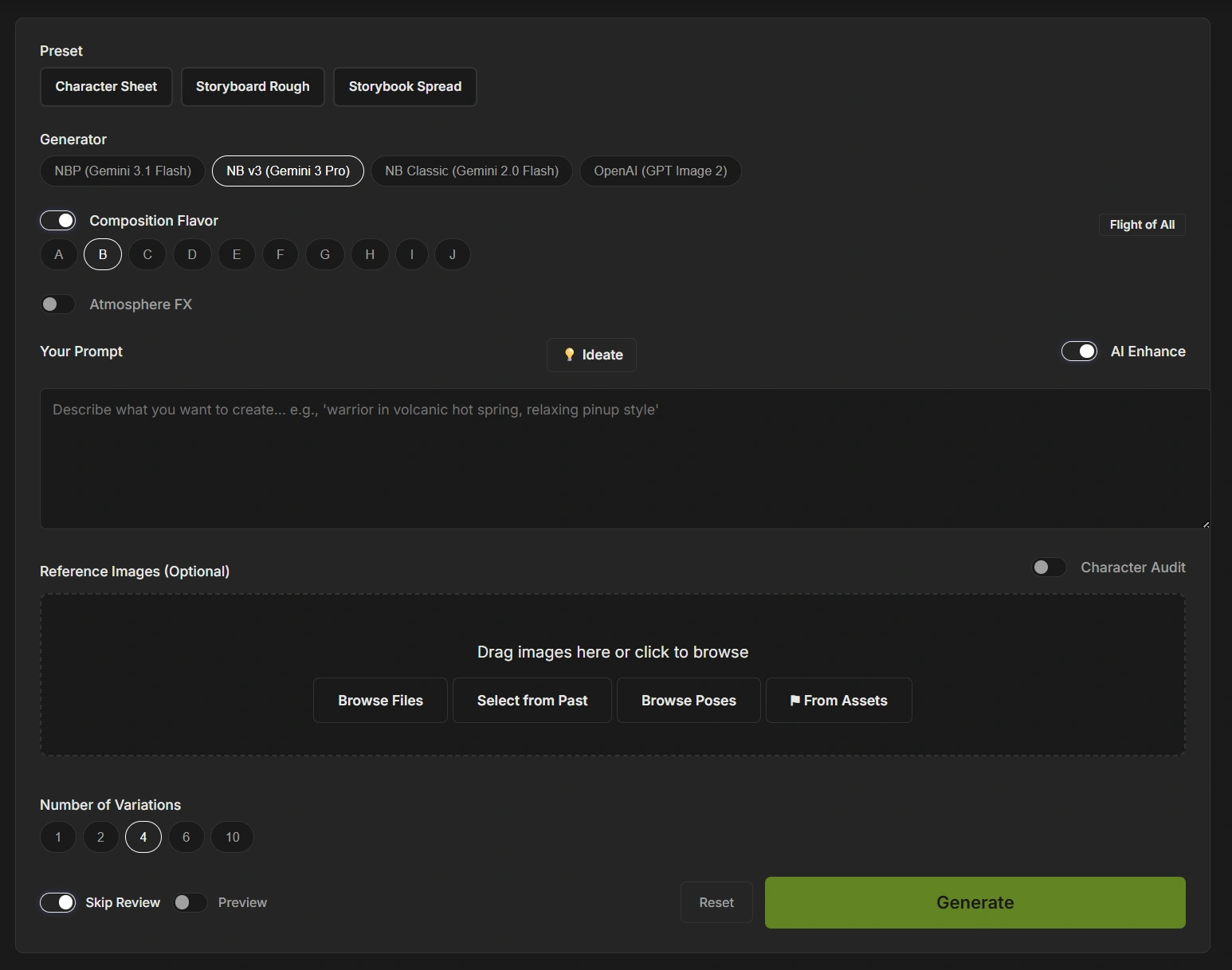
Inside ArtGen
Production presets, model selection, composition variations, prompts, and reference images share one workspace.

03 / What changed
artists on my original concept team adopted the tool.
viable directions per task, in my observation of the team’s workflow.
Environment artists on other teams picked it up on their own.
The more interesting change was in the review: more time choosing promising directions, less time repairing a weak starting point. The tool was useful enough that people chose to use it.
Evidence note: these are my reported observations from the original internal platform, not a controlled benchmark or a promise of results for other teams. They describe that deployment, not measured adoption of v2.
04 / The design decisions
Templates and prompt expansion reduce repeated setup. They give exploration a consistent starting point without taking away the artist’s ability to change course.
A common workflow can span different generators. The artist can choose the model for the task while keeping the project context and review process together.
A wall of images is useful only if you can decide what to keep and continue working on it. Assignments, versions, review, and delivery are part of the product, not cleanup after the interesting part.
The software helps produce options. Taste, selection, paintovers, and final creative approval remain human work.
05 / Where it is now
I’m rebuilding ArtGen independently as v2, using my own code and original work. The current build brings projects, assignments, asset organization, review rounds, and production-package workflows into the same environment as generation.
Video and local-model workflows are an active area of development and testing. Those experiments extend the same idea: connect creative intent to the tools that execute it, without making artists manage every technical handoff.
ArtGen is my working platform and a concrete example of the systems I can build with a team. This page is a case study, not a public SaaS signup. A demo can focus on the parts relevant to your workflow.
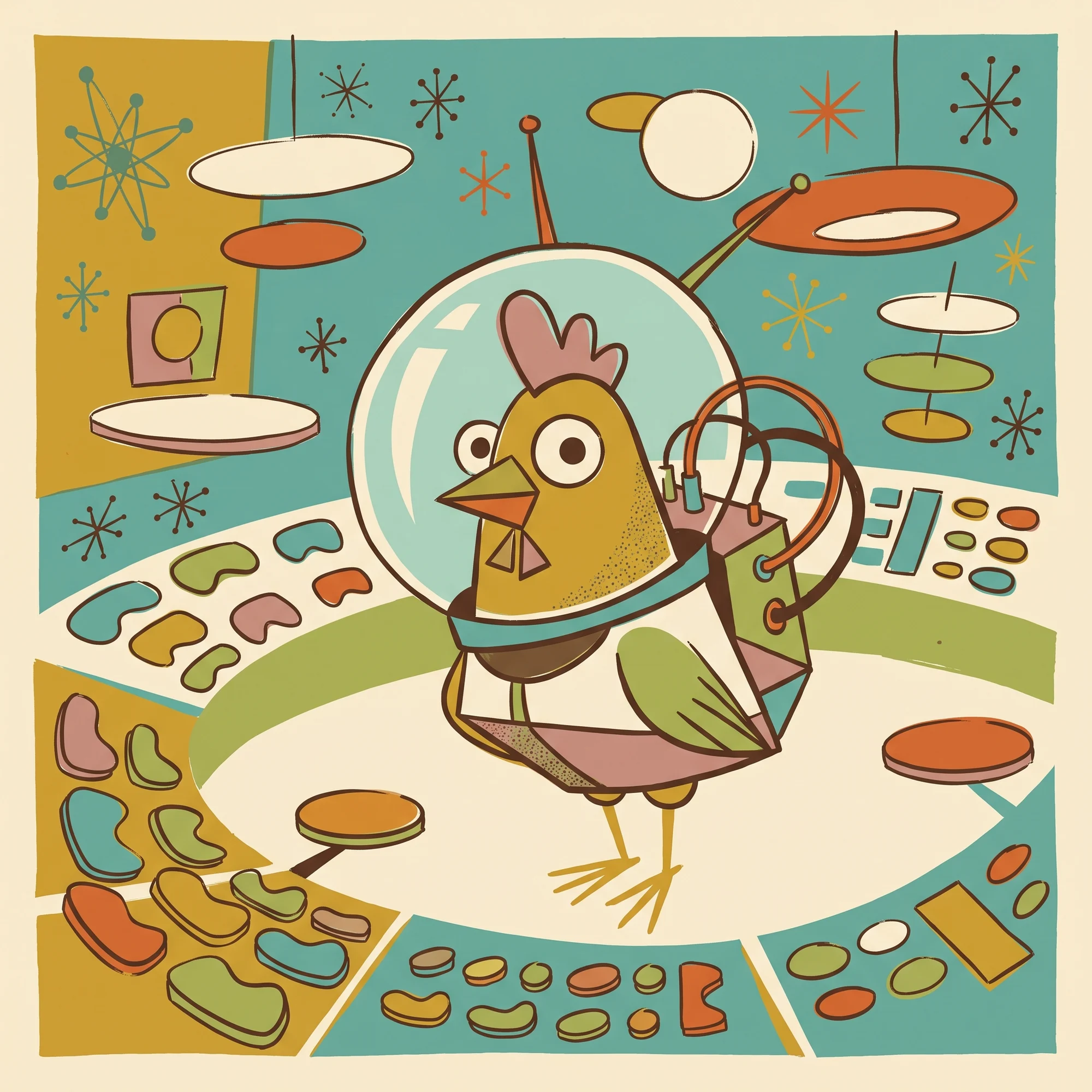
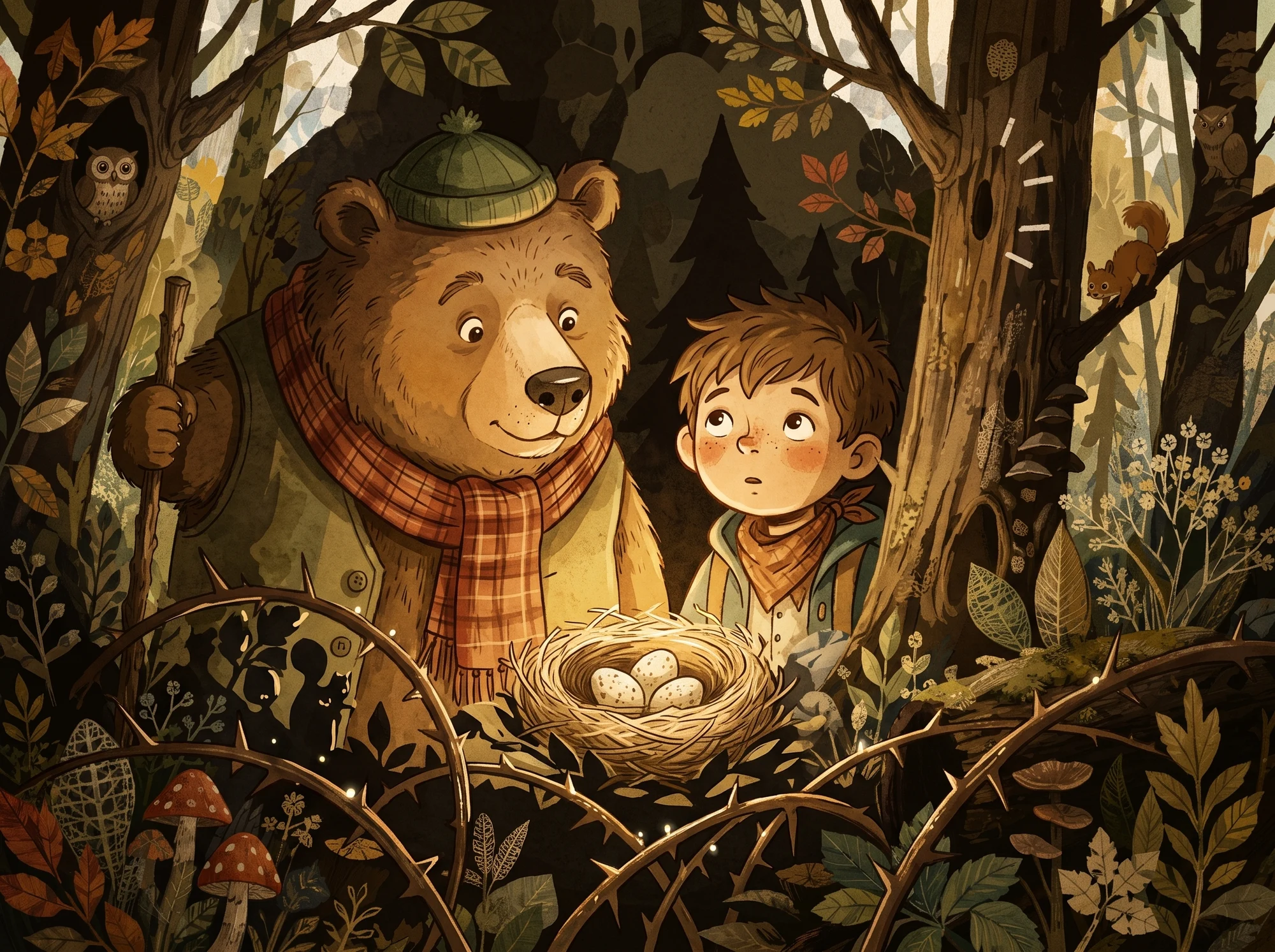
Selected artwork
Let’s talk about your workflow
Bring a real bottleneck. I’ll walk you through ArtGen and we can discuss what a better workflow would look like for your team.
Book a call